Administration Portal
The Administration Portal provides system administrators with tools to manage their CodeMetrics instance. Its web interface allows you to configure system-wide settings, manage user access, and perform administrative tasks.
Only users with the admin role can access the Administration Portal. See Authorization (RBAC) for how to assign roles to users.
Overview
The admin portal serves as the central hub for system management activities.
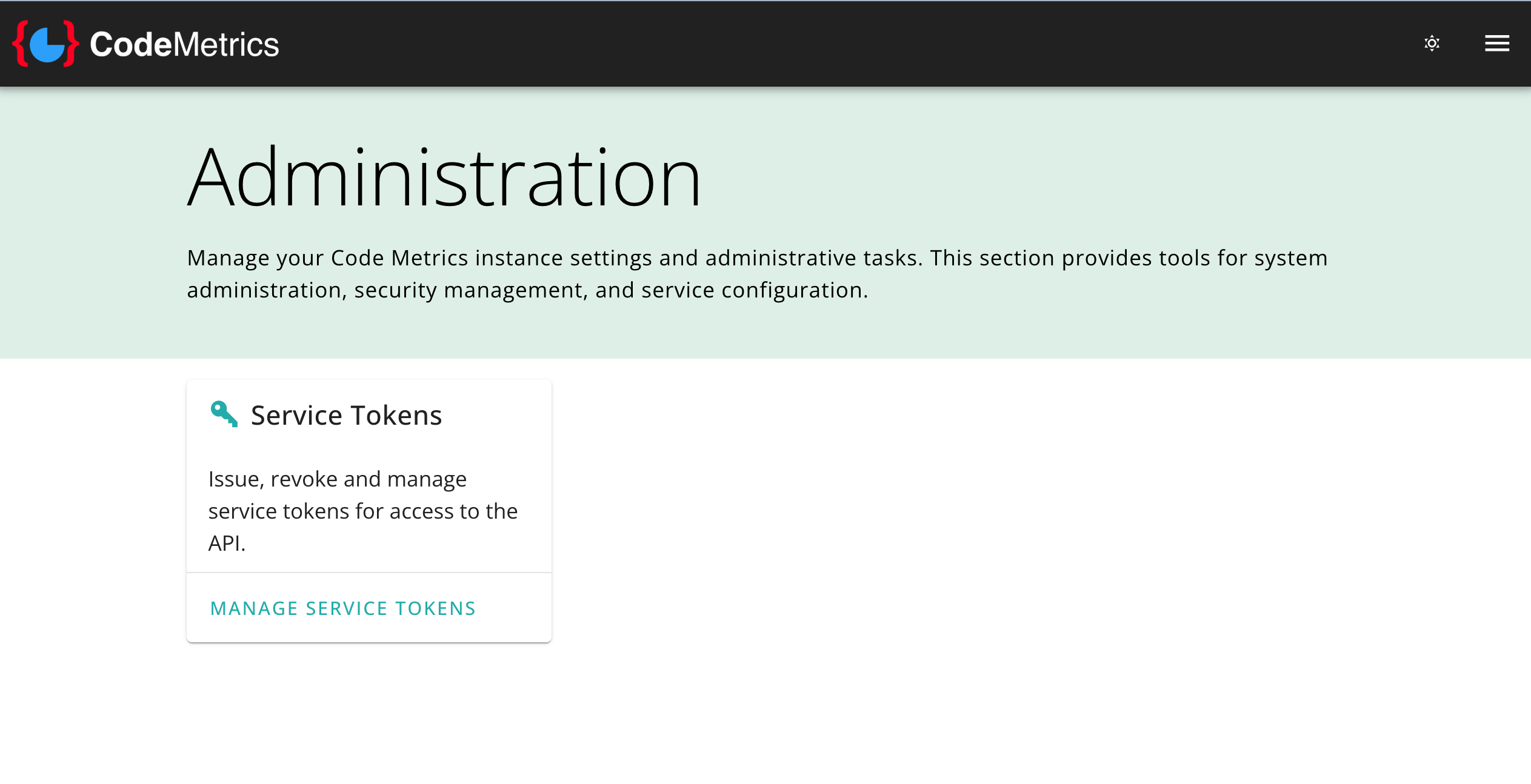
Available Tools
Service Tokens
Manage secure, long-lived API tokens for automated systems, CI/CD pipeline integrations, and third-party tools. Covers creating, viewing, and revoking tokens.
Data Stores
Inspect and manage the physical storage collections and tables backing the CodeMetrics datastore. Covers listing collections, counting items, and emptying collections.
Navigation
The administration portal uses breadcrumb navigation to help you understand your current location:
Admin > <section>
You can return to the main administration page at any time by clicking "Admin" in the breadcrumbs.